
Download TV Manager – TV Station Management, Strategy Game, Real-Time Broadcasting
Overview
TV Manager offers players a unique opportunity to step into the role of a television station executive, managing all aspects of programming, audience engagement, and real-time broadcasting. The game blends strategic planning with live audience feedback, creating a dynamic experience that simulates the challenges of running a real TV network. Designed for fans of management and strategy games, it emphasizes thoughtful scheduling, content selection, and responsive decision-making under pressure. The core purpose of TV Manager is to provide an immersive simulation of the television industry, where every programming choice impacts viewership, ratings, and station reputation.
Target users include strategy enthusiasts, simulation game lovers, and players interested in media and entertainment management. The game’s turn-based planning phase allows for deliberate decision-making, while the real-time broadcasting phase introduces unpredictability and excitement. This dual structure supports both methodical players and those who thrive on fast-paced challenges. Real-world use cases include practicing media planning, understanding audience behavior, and exploring the balance between entertainment value and commercial viability. Although the developer did not provide additional technical details, the game’s longevity since its 2010 release suggests a stable and enduring design within the mobile strategy genre.
Key Features & Functionality
- Turn-Based Planning Phase: Players begin each cycle by strategically setting weekly programming schedules. This phase allows for careful content selection, channel allocation, and scheduling optimization without time pressure, enabling players to plan for peak viewing times and audience demographics.
- Real-Time Broadcasting: Once the schedule is locked in, the game transitions to live broadcasting, where audience reactions and ratings are displayed in real time. This phase tests players’ ability to adapt quickly to shifting viewer preferences and unexpected feedback.
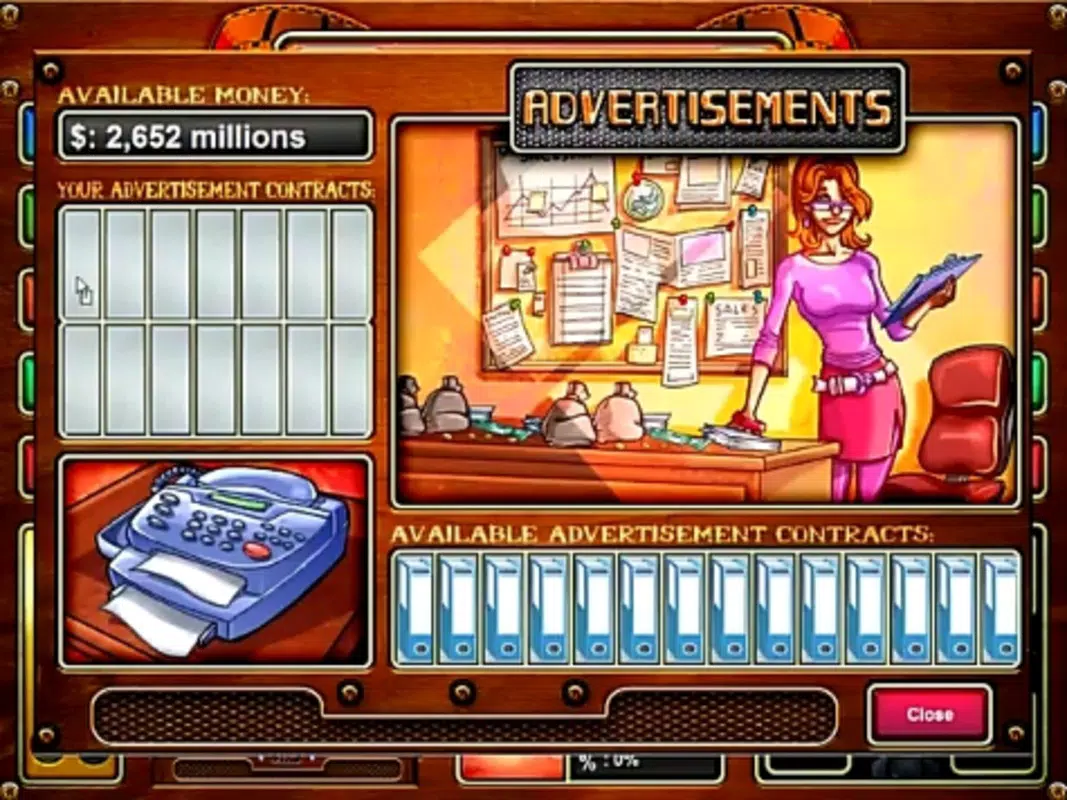
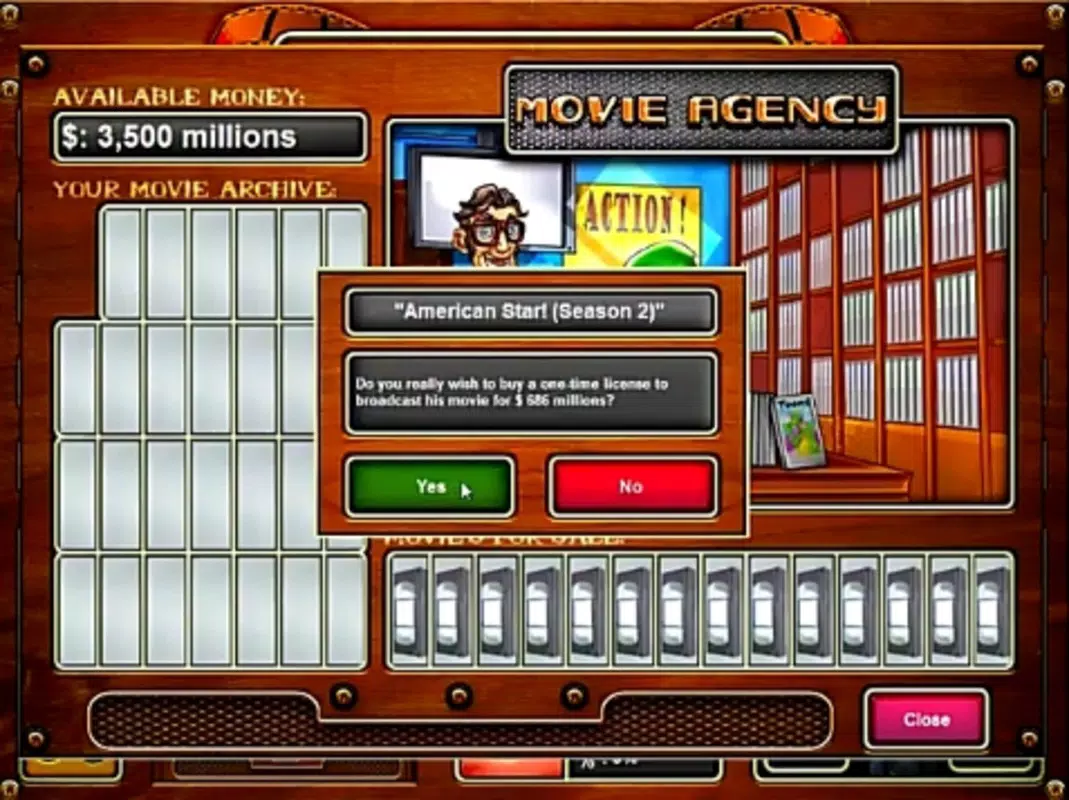
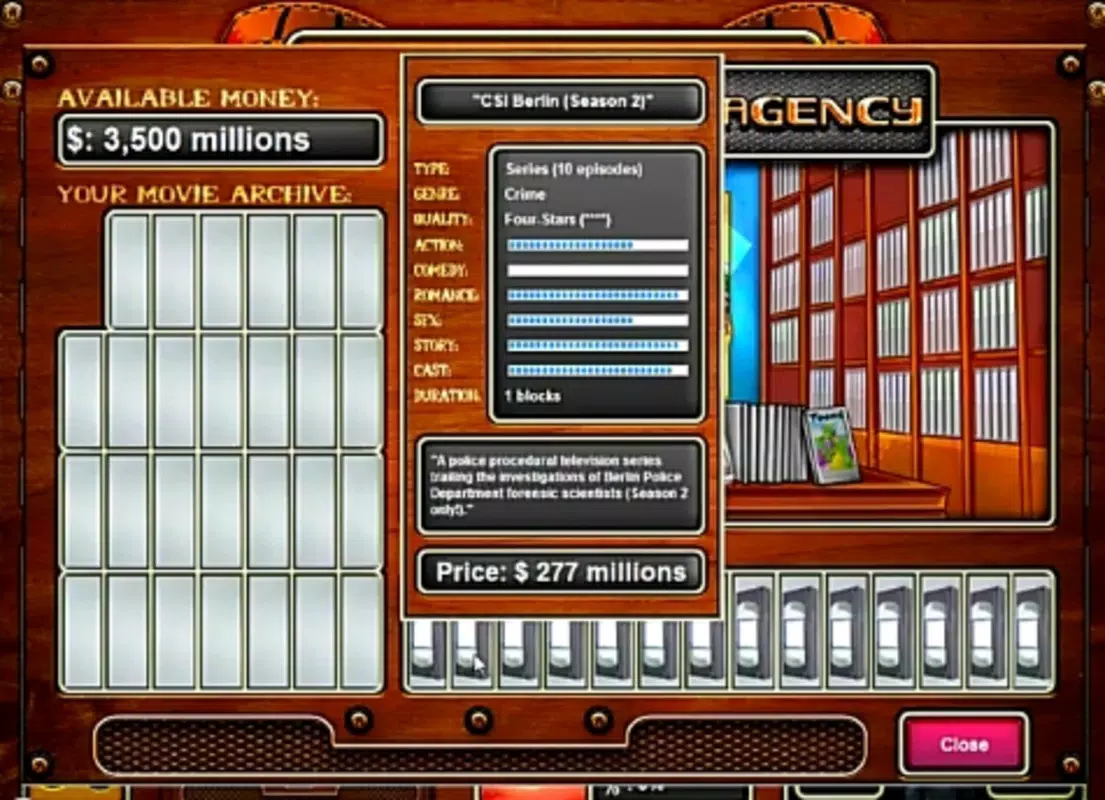
- Authentic Media Content: The inclusion of real movie and ad titles enhances immersion, making the experience feel grounded in actual television culture. Players interact with recognizable content, increasing emotional investment in their programming decisions.
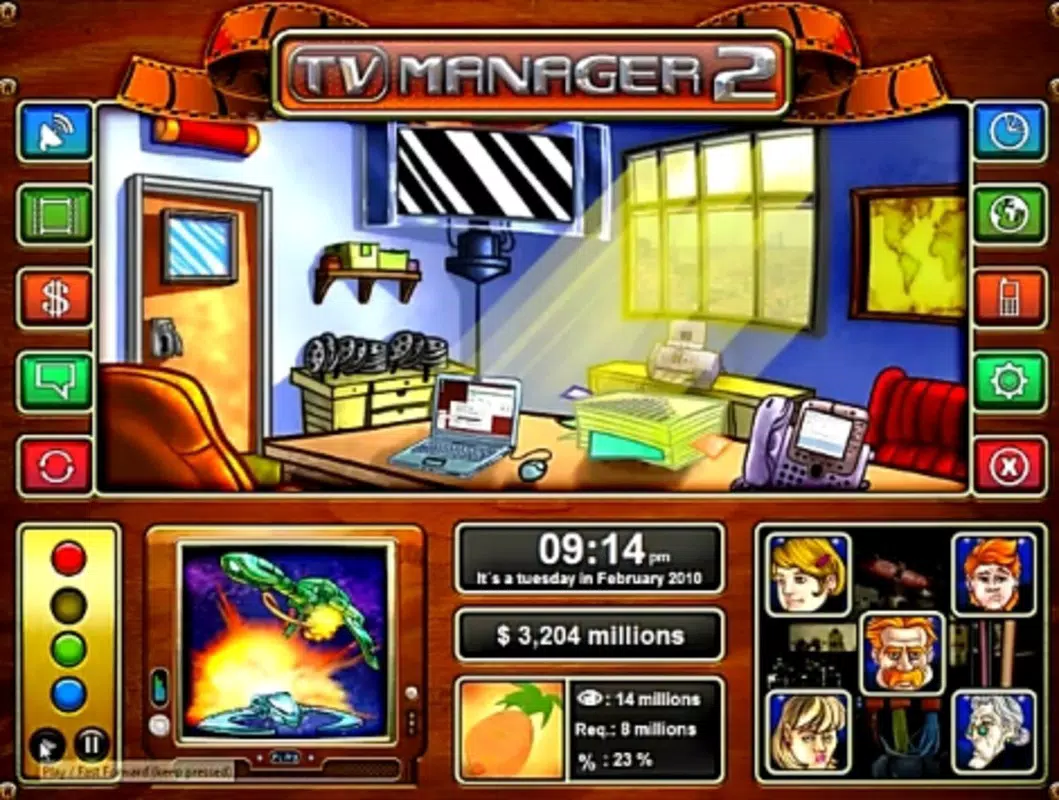
- Charming Hand-Drawn Graphics: The entire visual design is hand-drawn, offering a distinctive and visually appealing aesthetic. This artistic choice contributes to the game’s unique identity and enhances the overall enjoyment of the management experience.
- Strategic Depth for Genre Fans: The game is tailored for players who appreciate layered gameplay involving long-term planning, risk assessment, and reactive adjustments. It appeals to those who enjoy complex systems over simple, repetitive mechanics.
For example, a player might schedule a popular movie during prime time to boost ratings, only to adjust the next day’s lineup based on real-time audience drop-offs. This feedback loop encourages continuous learning and adaptation, mirroring real-world media management challenges.
Interface, UX & Performance
The user interface of TV Manager is structured around two distinct phases: planning and broadcasting. The planning screen presents a clean, grid-based schedule planner with intuitive controls for selecting and arranging content. Navigation between phases is seamless, with clear visual cues indicating transitions. The hand-drawn visuals are consistent across all screens, contributing to a cohesive and immersive experience.
Navigation is straightforward, with menus organized logically to support both new and experienced players. The layout prioritizes accessibility, allowing users to quickly locate scheduling tools, audience metrics, and content libraries. Although the developer did not list formal performance metrics, the game’s long-standing presence suggests stable operation across a range of devices.
Responsiveness appears to be well-balanced, with minimal lag during both planning and real-time phases. Stability is maintained through consistent state management, ensuring that schedule changes and audience data are accurately reflected. Performance on older or lower-end devices may vary, but no specific requirements were listed.
Platform Compatibility & Technical Requirements
TV Manager is available on Android and iOS platforms, with a file size of 18.5 MB. The software version is 1.0.0, and the release date is November 11, 2010. The developer did not specify minimum OS requirements or compatibility details for newer device generations. Users should ensure their device supports the game’s current version, though no explicit system constraints were provided. The app’s lightweight size suggests it is optimized for low-storage environments, making it accessible on a wide range of smartphones and tablets.
Pros and Cons
Pros
- Unique blend of turn-based planning and real-time broadcasting for deep strategic engagement.
- Authentic use of real movie and ad titles enhances realism and immersion.
- Hand-drawn graphics create a charming and distinctive visual identity.
- Designed for strategy fans seeking complex, replayable gameplay.
- Lightweight file size makes it accessible on older or low-storage devices.
Cons
- Development and updates have not been reported since 2010, raising concerns about long-term compatibility.
- Specific technical requirements and OS compatibility were not disclosed.
- Limited in-game content updates may reduce replay value over time.
- No multiplayer or social features are present.
- Visual style, while charming, may not appeal to all modern mobile gamers.
FAQ
Is TV Manager available for both Android and iOS?
Yes, TV Manager is available on both Android and iOS platforms. However, specific compatibility details for newer devices were not provided by the developer.
Can I download TV Manager for free?
While the current price was not listed, the app is available for download on major app stores. Users should check the respective store for the most accurate pricing and availability information.
Is the game safe to install?
TV Manager is distributed through official app stores. As with any mobile app, it is recommended to install only from trusted sources to ensure security and avoid unauthorized modifications.
Does TV Manager require an internet connection?
Although the developer did not specify, the game’s core mechanics appear to function offline. However, some features may require connectivity for updates or analytics.
How often is TV Manager updated?
The last release was on November 11, 2010. No recent updates have been reported, so the game may not support the latest operating systems or devices.
Final Thoughts
TV Manager stands as a distinctive entry in the mobile strategy genre, combining thoughtful planning with live audience dynamics in a way that few games achieve. Its hand-drawn aesthetic and authentic media content create a compelling atmosphere that rewards strategic foresight and adaptability. While the lack of recent updates may limit its compatibility with modern devices, the game remains a valuable experience for fans of classic management simulations. For players who enjoy deep, cerebral gameplay and are drawn to the behind-the-scenes world of television, TV Manager offers a rare blend of charm and complexity. Its lightweight design and enduring concept make it a worthwhile download for retro strategy enthusiasts and simulation lovers alike.
Download TV Manager now


